Phone Overheating? Common Causes and What to Check
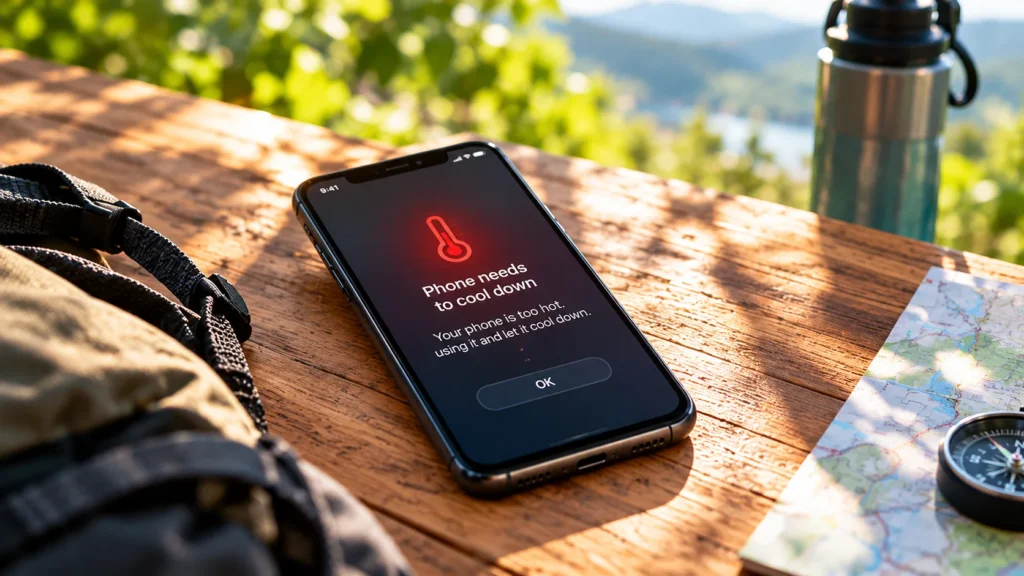
Reduce the workload and external heat first, then investigate the pattern. Temperature warnings and battery-damage signs need different responses.
Step-by-step technology guides that help you fix common problems, change settings, manage devices, and complete everyday digital tasks with confidence.

Reduce the workload and external heat first, then investigate the pattern. Temperature warnings and battery-damage signs need different responses.
Build a short removal list, protect essential login tools, and save important data before deleting apps you no longer need.
Use a targeted cache cleanup for a specific app problem, while keeping account resets, downloads, and important local data separate.
Work out whether the failure affects one app, one device, or the whole network before changing settings or restarting equipment.
Find the apps using your allowance, then reduce avoidable transfers while keeping essential messages and backups working.
Start by separating heavy-use battery drain from unusual idle drain. The battery-usage screen is evidence to interpret, not a list of apps to delete.
A missing notification, a silent alert, and a message delayed until you open an app have different causes. Test the symptom before changing settings.
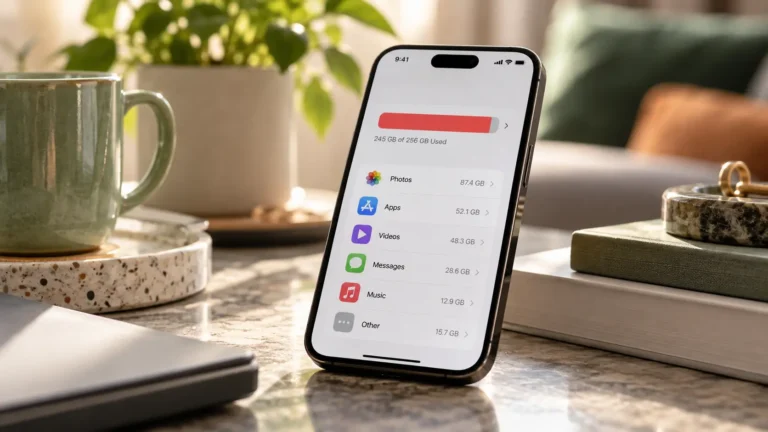
The storage breakdown tells you where to look first. Start with known unwanted downloads and offline media before touching app data or valuable photos.
Android already manages background work. Restrict the apps causing a real problem while keeping timely messages and essential services working.