How to Manage Browser Extensions and Remove Ones You Don’t Need
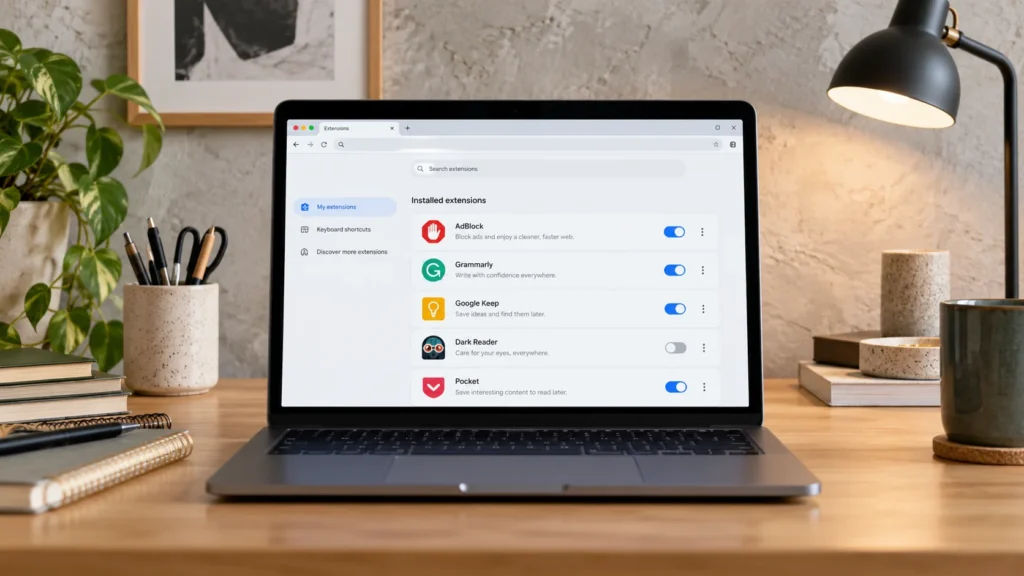
Give each browser extension a clear purpose and appropriate access, then safely disable or remove the ones that no longer belong.
Practical software guides covering useful features, setup, troubleshooting, productivity tools, password managers, browsers, and other everyday programs.

Give each browser extension a clear purpose and appropriate access, then safely disable or remove the ones that no longer belong.
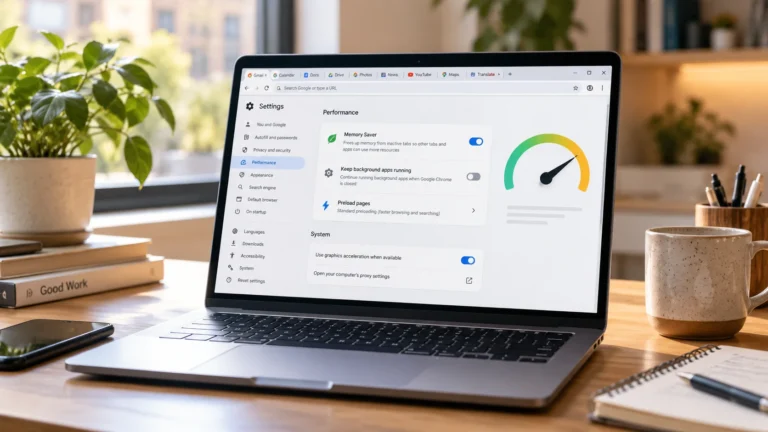
Use Chrome's built-in controls to reduce unnecessary work, then test the same everyday task before deciding whether a change helped.
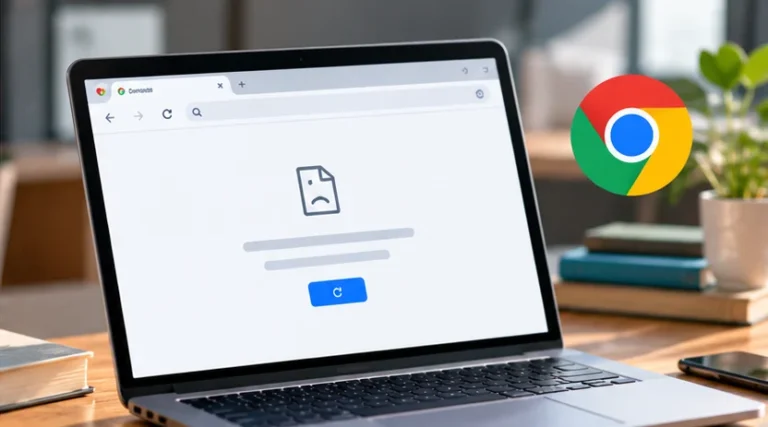
Compare one failing page with another browser and connection. That narrows the cause before you clear site data or change Chrome settings.
Use a long, unique password that does not follow a familiar pattern. A trusted manager makes that practical without memorizing every login.
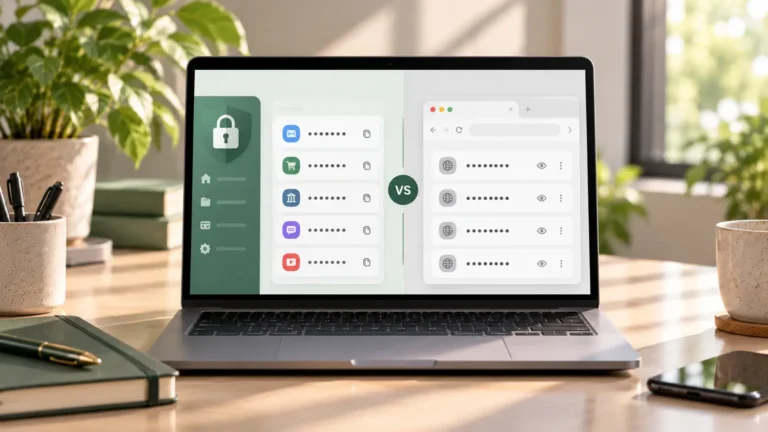
A browser password manager may cover your everyday logins. A standalone manager can help when you regularly switch browsers or need broader app support.
Google Password Manager helps you find and reuse saved logins. Check where each entry is stored, and change unsafe passwords at the actual service.