—
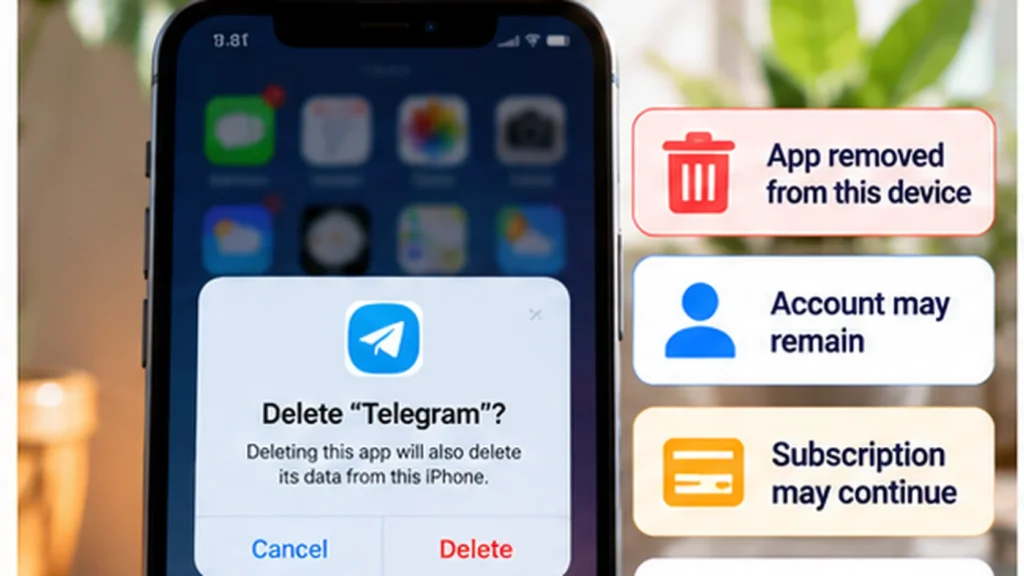
Deleting or uninstalling an app usually removes its installed software and the local data associated with that installation. It does not automatically delete the service account, cancel a subscription, or erase information stored in the cloud.
Before removal, save anything that exists only inside the app and confirm you can sign in again if needed. A phone app is one part of a service; purchases, billing, backups, and online records can continue separately.
Separate the things connected to the app
| Item | What app deletion usually means |
|---|---|
| Installed application | The software is removed from that device. |
| Local app data | Related settings and files can be removed with the installation. |
| Service account | Normally remains until you use a separate account-deletion process. |
| Cloud data | May remain with the online account. |
| Subscription | Can continue until canceled through the billing provider. |
| App-store purchase | May remain linked to the store account for eligible redownloads. |
| Backup | May contain supported app data separately from the live installation. |
| Offline content | App-managed copies can disappear; independently saved files may remain. |
Apple's storage documentation distinguishes deleting an app and related data from offloading it while keeping documents and data. Removing a Home Screen icon without deleting the app is another different action; read the option before confirming.
Local drafts and downloads need attention first
An unsent draft, a game save, a locally stored conversation, or a downloaded document may not exist anywhere else. Some apps synchronize these; others do not. A successful account login does not prove that all local content was uploaded.
Check the app's own sync, export, or backup controls. Where possible, open an important saved item from its intended destination before removing the installation. If a transfer is still pending, finish it first.
Android's app-specific storage documentation explains that files in app-specific storage are removed on uninstall, while files intended to exist independently belong in shared storage. That helps explain why an exported file can remain while the app's private copy disappears.
Do not assume that deleting an app cleans every file it ever created. Check independently saved downloads through the appropriate file or media app if removing those copies is also your goal.
The service account normally remains
A shopping app's removal does not ordinarily close your shopping account. Likewise, removing a cloud-file app does not by itself issue a request to delete the account's online files.
Account deletion generally requires its own settings or support process. Apple's account-deletion guidance for developers treats that as a separate, confirmed action with consequences for associated information.
If you want to leave a service permanently, review its export and deletion instructions before uninstalling. You may need the app to make the request or complete an identity check. Read what will be removed, retained, or become inaccessible rather than treating uninstall as an online-data eraser.
Other installations also remain separate. Removing an app from one phone does not normally remove it from another phone or end every session on the service.
Deleting an app does not cancel its subscription
Check who bills you before removing a paid service. The app's name and the organization processing the payment may differ.
For Apple-billed subscriptions, use Apple's subscription-management guidance with the Apple Account shown on the receipt. Apple says to contact the company billing you if the charge came through another provider.
For Google Play subscriptions, use Google Play's cancellation controls while signed into the correct Google Account. Google explicitly states that uninstalling the app does not cancel the subscription.
For direct billing, open the service's genuine account or billing page and follow its cancellation process. Keep the confirmation and review the stated end date or renewal status. Do not infer cancellation from the app disappearing.
Account deletion and subscription cancellation can also be separate. Resolve billing before closing an account that you may need to manage the subscription. Cancellation terms, remaining access, and refund eligibility depend on the provider and arrangement.
A purchase may still belong to the store account
Buying an app is different from paying an ongoing subscription. Google Play documents reinstalling previously purchased apps using the same Google Account without buying them again.
That is not a promise that every app will remain available indefinitely. Store availability, device compatibility, regional rules, and the type of purchase can affect what you can restore later. Check the relevant store's current instructions if future access matters.
Keep useful purchase records and identify the correct store account. Reinstalling the software and restoring any in-app entitlement can involve different steps, and neither guarantees that unsynced local files return.
Backups and cloud sync are different recovery routes
Cloud sync keeps supported information associated with an online account. A device backup can preserve a supported snapshot for restoration. They should not be treated as identical copies of everything in an app.
Google warns that not every Android app backs up or restores all data and settings. Apple's iCloud Backup explanation also distinguishes data in a backup from information already synchronized through iCloud.
Before relying on restoration, confirm what was included, when it was saved, and how that app restores it. Reinstalling may let you sign back into an intact online account while leaving an old local draft unrecoverable.
Permissions stop locally; previously shared data may remain
While uninstalled, that app installation cannot actively use the phone's camera, microphone, location, or other device permissions. This does not retrieve information already sent to the service or remove a companion app on another device.
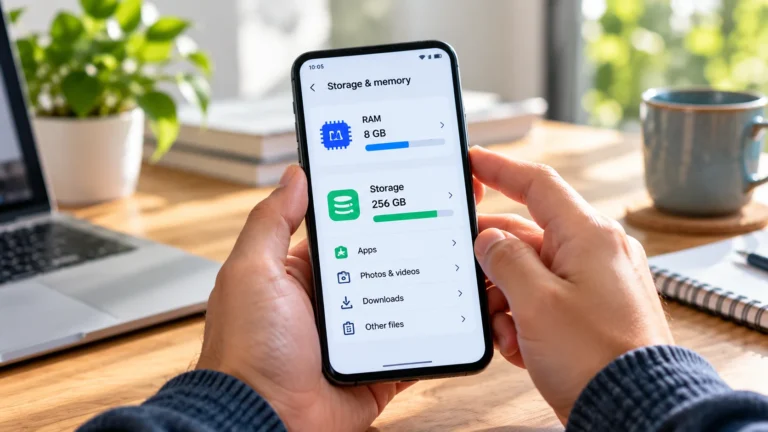
If your goal is privacy cleanup, review the service account and any connected-account permissions separately. If your goal is simply space, the phone-storage guide can help identify whether the app or its saved content is responsible.
Decide which outcome you need before confirming removal: less local storage use, a canceled payment, a closed account, or deleted online records. Then complete the relevant action and retain any confirmation you may need later.